
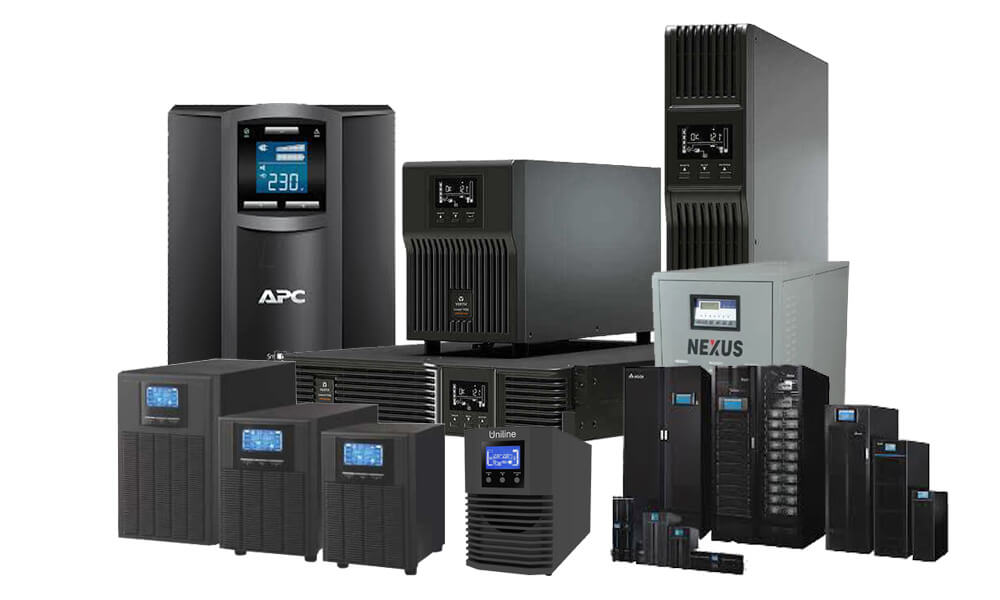
Power interruptions can disrupt business operations, damage sensitive electronics, and create costly downtime. That’s why many offices, data environments, and even home workspaces rely on a stable power backup plan. A properly selected UPS (เครื่อง สำรอง ไฟ เมื่อ ไฟ ดับ, which is the term in Thai) helps protect devices from unexpected outages, voltage fluctuations, and short-term instability that can impact performance and lifespan.
Why power backup matters more than people think
Even brief power dips can cause:
- Data loss during file saving or software updates
- Hardware stress in servers, desktops, and networking gear
- Corrupted systems due to sudden shutdowns
- Reduced productivity during unexpected downtime
A UPS acts as a safety layer by providing battery-backed power long enough to save work, shut systems down correctly, and protect key equipment from damage.
Where UPS systems deliver the most value
UPS protection is commonly used in:
- Offices with critical computers and Wi-Fi infrastructure
- Retail setups with billing and POS systems
- Small server rooms and network racks
- Home offices running desktops, monitors, and storage devices
In any of these setups, a UPS can be the difference between a minor inconvenience and a significant interruption.
Choosing the right UPS for the job
Selecting a UPS is not just about “bigger is better.” The choice should match:
- Total load (watts/VA of connected devices)
- Required runtime during outage
- Number of outlets and required plug types
- Extra features such as AVR (automatic voltage regulation)
For example, a workstation might need enough runtime to finish work and shut down safely. At the same time, a small server environment may require a longer window to maintain uptime until power returns or a generator kicks in.
Using a trusted solution provider to size the UPS correctly helps avoid two common mistakes: buying an underpowered unit that fails under load or overspending on capacity that isn’t needed.
Maintenance and best practices
UPS units perform best when properly maintained. Recommended practices include:
- Testing the battery at scheduled intervals
- Keeping the unit in a cool, ventilated area
- Avoiding overloading outlets
- Replacing batteries based on manufacturer guidance
It is also helpful to connect only essential devices. Printers, heaters, or high-draw appliances can shorten runtime dramatically and should typically be excluded.
Final takeaway
A UPS is a practical investment for anyone who depends on uninterrupted performance from electronics. With proper sizing, sensible device connections, and regular battery checks, a reliable UPS can protect equipment, reduce downtime, and provide peace of mind during power outages.
